Supplier Evaluation
Part of Media supplier evaluation
Asking for transparent placement reporting
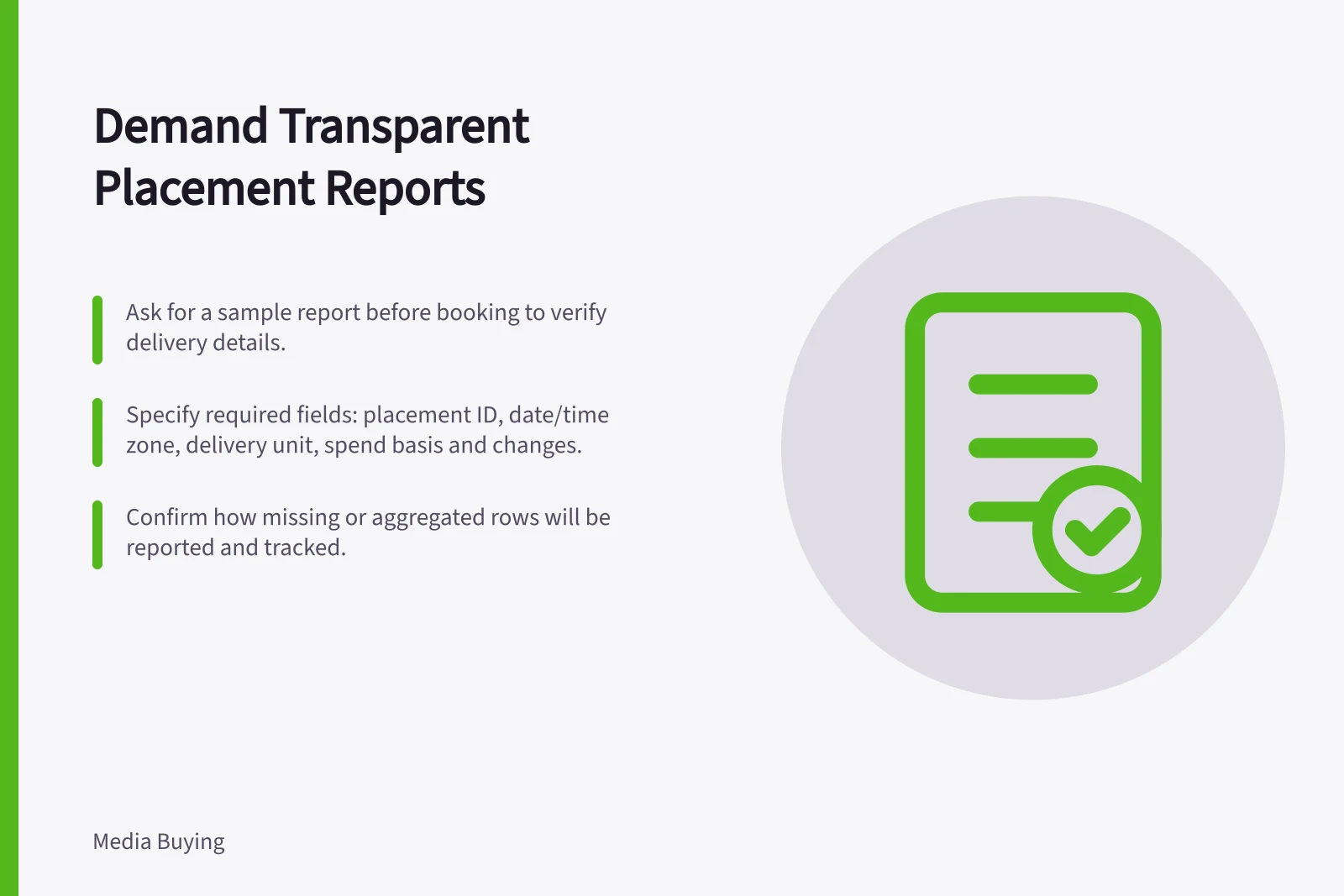
Specify placement IDs, dates, delivery units, spend basis and omissions so supplier reports can be checked against the approved buy.
Before booking, ask for a sample report. Specify the fields needed to check the proposed placement. The key question: can a reported row be tied to the inventory, dates and delivery unit approved in the buy?
Define the evidence needed
If the brief depends on a named publisher section, ask whether reporting can identify that property and placement. For a pool of sites or apps, ask what detail is available and what will be aggregated, omitted or withheld. Define the delivery event for the format. Do not call a spot, play or other event an impression to fit a standard report.
Agree on reporting dates and an exception contact. A check during the flight can reveal a missing placement while action is still possible. Ask for a stable line-item reference so a renamed row does not obscure a change.
Requested field / Reason to ask
- Placement and line-item identifiers
- Connect delivery to the approved buy
- Date, time zone and market
- Check the intended flight and geography
- Delivery unit and definition
- Compare the correct event with the commitment
- Spend and billable basis
- Understand the amount linked to reported delivery
- Omitted or aggregated rows
- See the limit of placement visibility
- Changes and makegoods
- Distinguish original from replacement delivery
Check what the supplier can provide
Google Ads provides a ‘Where ads showed’ report. Ask which placement and delivery details it includes, and how the supplier will describe any missing rows or differences from billable totals.
Google Ads also documents a separate Search Partner Network full placement reporting feature. Ask what inventory and fields it covers. Ask how the supplier will describe any exclusions.
Google Ad Manager provides an ad unit hierarchy report. Ask the publisher for an export from its actual setup and what detail it exposes. An ad-unit name may not identify the expected editorial context. The report title alone does not establish that an advertiser will receive access.
IAB Australia describes transparency standards focused on visibility over supply and demand paths and the intermediaries involved in programmatic advertising. Supply-path records do not, by themselves, show that this campaign's ad ran on a particular page.
Reporting capabilities across key platforms
- Google Ads – 'Where ads showed' reportIncludes placement and delivery details; supplier must explain missing rows or discrepancies from billable totals
- Google Ads – Search Partner Network full placement reportingCovers specific inventory; supplier must disclose exclusions and coverage gaps
- Google Ad Manager – ad unit hierarchy reportPublisher-exported; exposes actual setup; ad-unit name may not reflect editorial context
- IAB Australia transparency standardsFocus on visibility over supply and demand paths; supply-path records alone do not confirm ad placement on a specific page
Agree on a usable report
Request a sample export with column definitions, aggregation rules, reporting delay and a way to reconcile campaign totals. Mark unavailable fields. If missing placement detail is essential, seek another suitable buying route or narrow the claim you intend to make about delivery.
Keep the agreed reporting specification with the proposal. Later, compare the delivered export with the booked placement and record exceptions separately. A dashboard total, a screenshot and a supply-path file establish different things.