Media Planning
Part of Media scheduling
Adjusting a media schedule after a delayed launch
When a launch slips, do not simply move the campaign in a calendar and assume every ad and destination changed with it. Identify what has already started, what can …
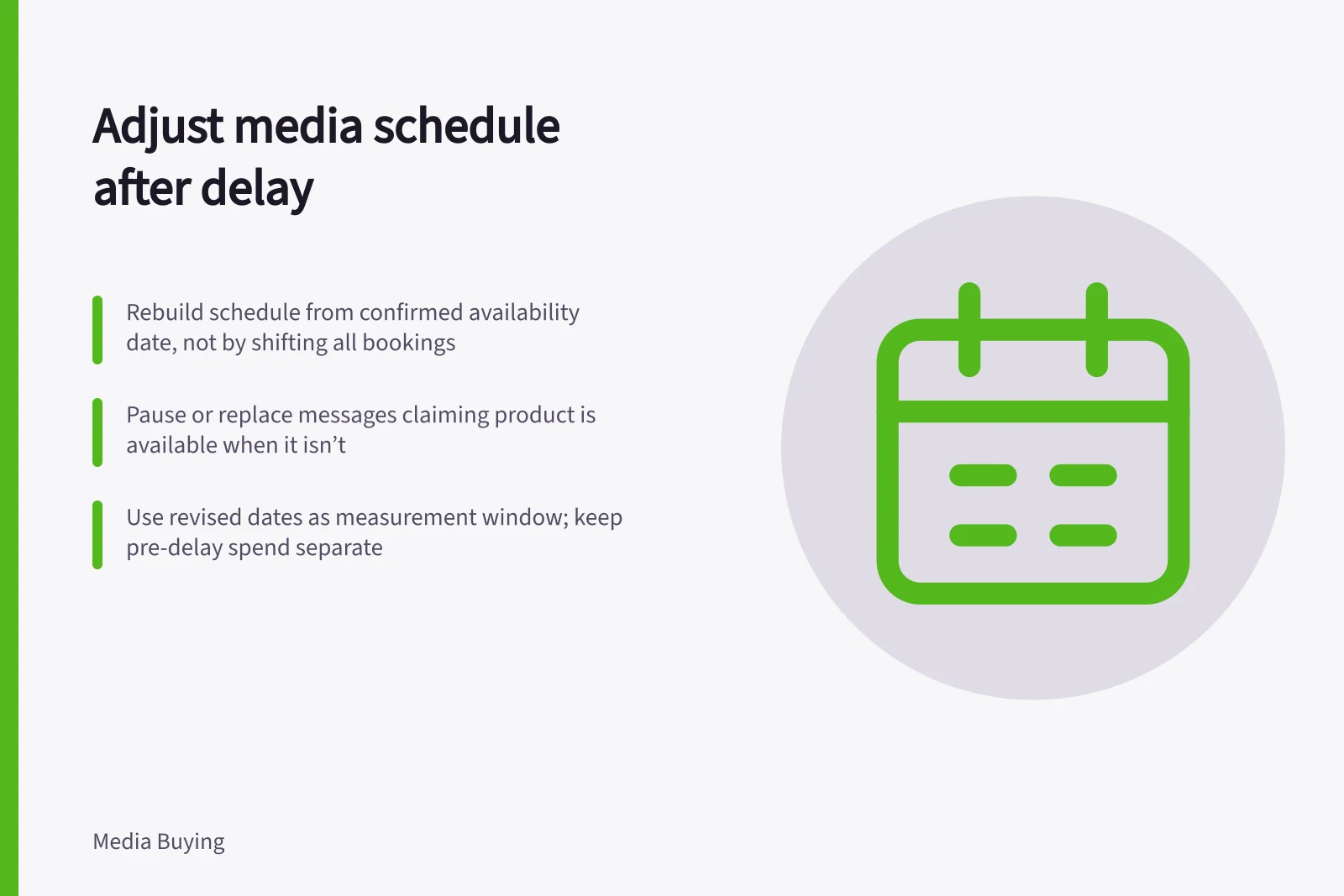
When a launch date slips, rebuild the media schedule from the confirmed availability date rather than shifting every booking blindly. Work through live messages, platform dates, booked inventory and the reporting window in that order.
Stop the wrong message first
Step 1: Confirm the revised availability date, then check live campaigns, scheduled posts, landing pages, promotions and partner placements against it. Mark each item as already run, still scheduled or booked so you can identify what needs changing.
Step 2: Pause or replace any message that says the product is available when it is not. Brief customer service and the partner responsible for any affected placement on the revised position.
Step 3: Record spend and enquiries received before the pause so the relevant team can follow up. Keep these separate from activity after the revised schedule begins.
Step 4: In Google Ads, update the campaign start and end dates and ad scheduling for the revised flight, then confirm which settings apply to your account. If using Facebook ad scheduling, update the selected days and time frames as well; changing one platform does not change other platforms or booked inventory.
Step 5: Before confirming new dates, get the applicable approval deadline and supplier cancellation terms for each booked placement. If the supplier confirms that inventory cannot move, record that constraint and use the confirmed terms when deciding whether to cancel it.
Step 6: Compare the new availability date with each placement’s usable dates and any fixed end or event date. Shorten the flight only if the remaining window can still serve the original objective; spread remaining spend if the end date can extend and inventory and approvals are confirmed; cancel an event-bound placement if its event will pass before availability.
Keep the original objective and total budget visible while making the choice. Record any remaining amount after a cancellation or schedule change rather than silently shifting the spend.
Step 7: Use one line per placement to capture the change: [placement], original dates [ ], confirmed availability date [ ], revised dates [ ], status [ ], spend used [ ], remaining budget [ ], approval and cancellation terms confirmed [ ]. Leave figures blank until they are confirmed.
Preserve the comparison
Save the original and revised schedules, the cause of the delay, the media that actually ran and the updated availability date. Keep the record with the placement details so the team can see what changed.
Use the revised dates as the measurement window, and review results only for periods when the offer was real and the activity was eligible. Keep earlier spend and enquiries separate so the delay is not mistaken for a failure of the message or placement.
Original vs Revised Media Schedule: Key Differences
- Original Availability Date
- TBC (prior to delay)
- Measurement Window
- Revised dates only
- Activity Eligibility
- Only when offer was real and active
- Pre-delay Spend & Enquiries
- Kept separate from post-revision data