Media Planning
Part of Media scheduling
Planning campaign flights around real demand
A campaign flight should meet the period when people can make the intended decision. Start with evidence of demand and the purchase cycle, then check whether the …
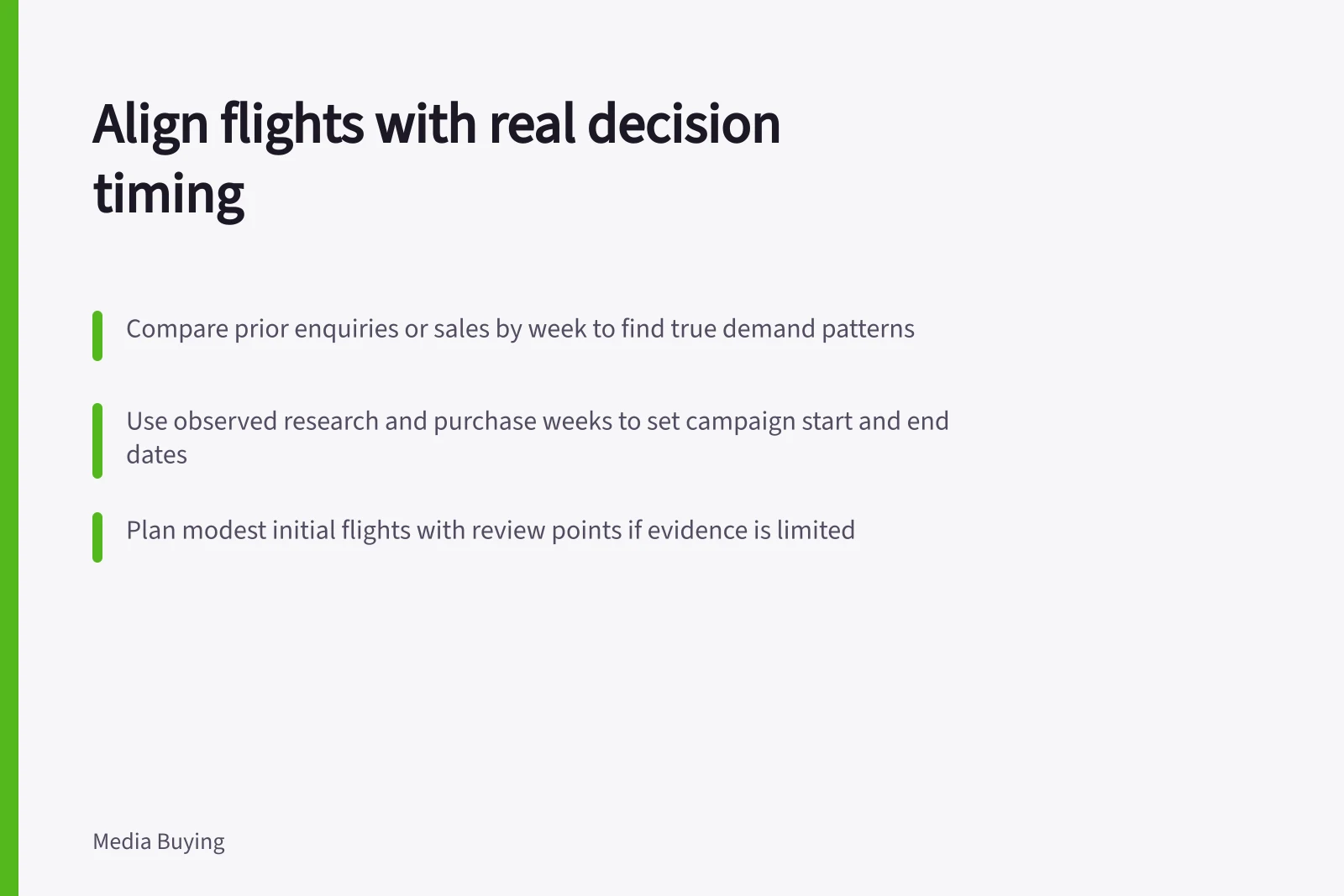
Plan the flight around the weeks when people research and make the intended decision, rather than a guessed peak. Compare prior enquiries or sales by week, then use that pattern to choose calendar start and end dates. Check that the campaign ran across that window before interpreting its results.
Map the decision window
Compare prior enquiries or sales by week. Mark promotions, stockouts and changed opening hours against those weeks so you can account for them when reading the pattern.
Look for when enquiries begin and how their timing relates to sales. A spike in orders may mark the end of a longer research period, so do not use the order spike alone to set the flight window.
For a short offer, separate discovery time from the final purchase days. If the evidence is thin, plan a modest initial flight and set a review point; do not claim a precise peak.
Translate the observed decision window into calendar dates: start the flight by the first relevant week of research or decision activity, and end it after the last observed week in which people are still making that decision. Use the dates in your evidence rather than assuming a standard flight length.
In Google Ads, set the campaign start and end dates, then check ad scheduling against the intended window. In each platform used, confirm the saved dates and any schedule restrictions before the flight begins.
At the planned review point, compare new enquiries or sales by week with the evidence used to choose the dates. Check the actual eligible dates against the plan and review spend pacing separately; if media approval removed much of the intended test window, do not treat the result as a reliable demand test.
Mapping the Decision Window for Campaign Flights
- Week 1: Research BeginsInitial enquiries or website visits increase; consider this the start of the decision window.
- Week 2–4: Active ConsiderationEnquiries peak; promotions or stockouts may influence timing. Align campaign activity with this phase.
- Week 5: Purchase Decision & ConversionSales spike likely follows research; do not assume this is the peak demand period alone.
- End of Window: Last Decision WeekCampaign should end after the final observed week of purchase activity to capture full decision cycle.
Planned vs. Actual Campaign Window: Key Checks
- Planned Start DateBased on historical enquiry patterns (e.g., first week of increased research)
- Actual Start DateConfirmed in Google Ads ad scheduling; check for any platform delays or approvals
- Planned End DateLast observed week of decision-making activity
- Actual End DateVerified against platform settings and eligible dates; assess if pacing was impacted
Key Metrics to Track During Campaign Flight
- Promotions & Stockouts
- Document these events to adjust interpretation of demand patterns
- Review Point
- Set at end of initial flight; compare new data to prior evidence