Media Planning
Part of Media scheduling
Coordinating media dates with product availability
Media can create a promise before the product team is ready to keep it. Join stock, price, page and service dates to the flight plan so an ad is not eligible to run …
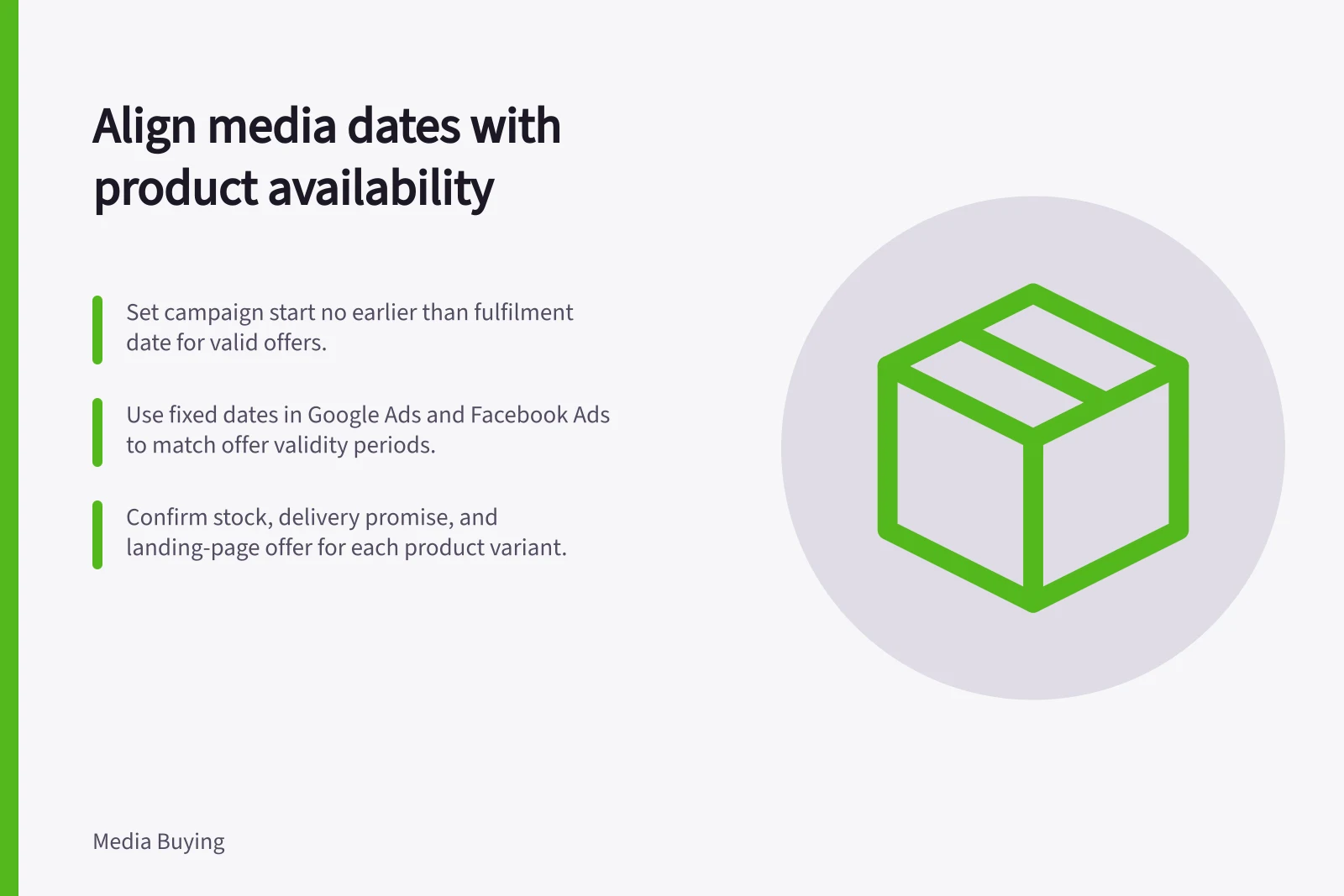
Set the campaign start no earlier than the date the offer can be fulfilled, and make sure the end date does not extend beyond the offer’s valid period. Match the platform schedule to those dates so ads do not send shoppers to unavailable stock or an inaccurate offer.
Create a readiness gate
For each promoted product, record the variant, Australian target market, confirmed sellable stock, delivery promise, landing-page offer and stock-confirmation date. Assign an owner to each check.
Use inventory received and available for sale as the stock input; a supplier forecast is not sellable inventory. For a service, confirm booking capacity and staff response times instead of stock.
For partial availability, remove the affected variant, switch to a valid offer or pause the relevant activity. Do not silently redirect shoppers to a different product without a clear explanation.
Keep availability and offer dates in the same planning record as campaign start and end dates. In Google Ads, set fixed campaign start and end dates to bound the flight; use its ad scheduling controls for permitted run times. Facebook Ads is another platform where advertisers can specify exact days and times.
Check the public path after changes on mobile and for the intended Australian region. Schedule a human check immediately before activation and a second check during the flight.
If a product is delayed or availability changes, update destinations and customer-facing messages alongside the media dates. Pause affected activity if the offer can no longer be fulfilled.
Record lost or delayed eligible days in the post-campaign review. This helps distinguish channel performance from days when the offer was unavailable during the planned window.