Media Planning
Media scheduling
A media schedule states when activity runs, what demand or event it serves, and what must be ready before spend starts. A calendar filled with channel dates is not …
A media schedule records when activity runs, what demand or event it serves, and what must be ready before spend starts. It is more than a calendar of channel dates: it shows the days and times activity is due to run, its media environment and placement, and how delivery will be measured and controlled.
Put real dates on one timeline
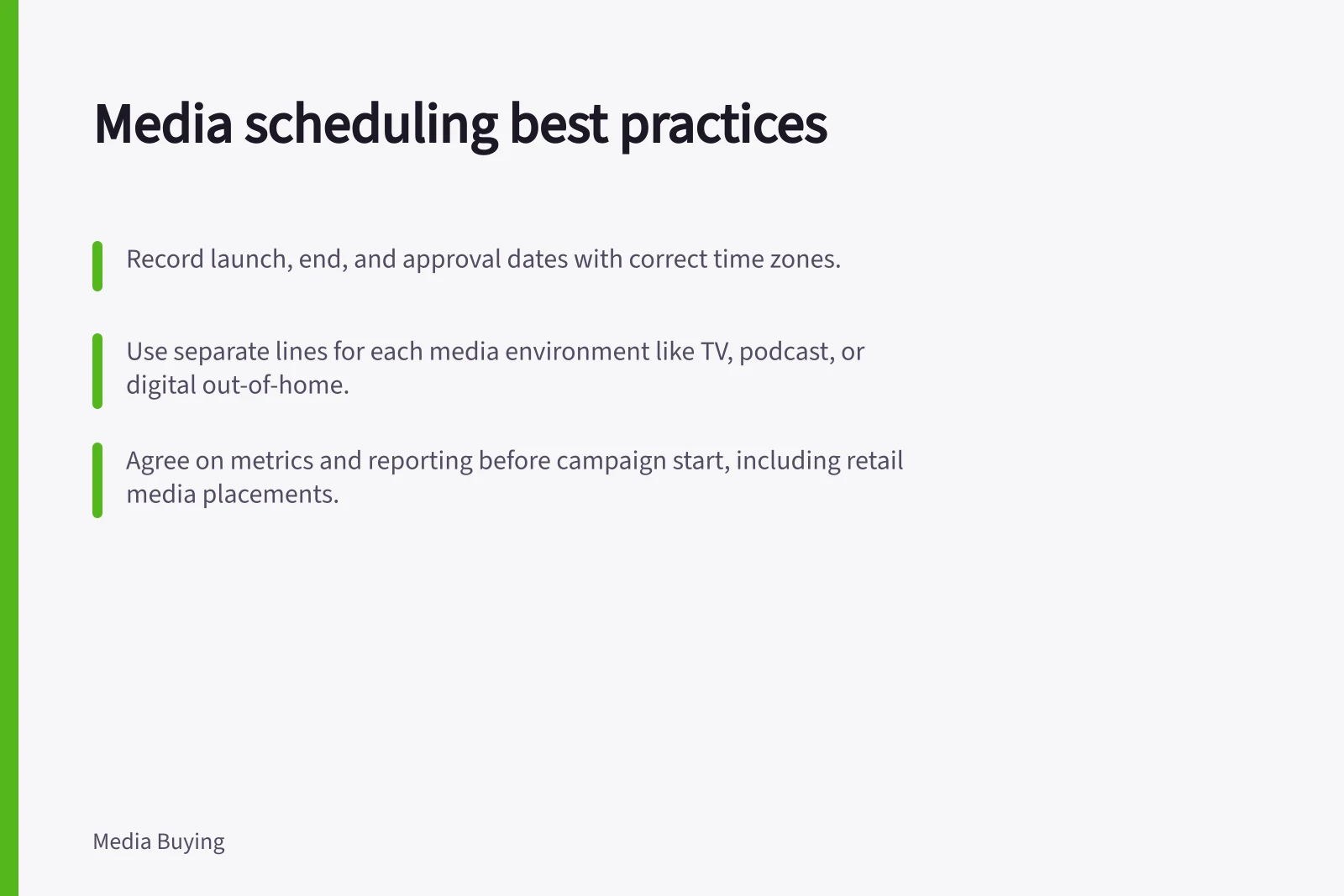
Record launch and end dates for the product or offer, page approval, creative delivery, campaign review and customer-service readiness. Mark the account time zone and the audience's time zones.
Check the relevant platform’s scheduling controls and time zones before activity begins. Those controls are useful only if the destination and offer are correct when the campaign becomes eligible to serve.
Do not assume every channel should run on the same days. Give each environment its own line so its dates and run windows can be checked separately.
Build the schedule by entering campaign dates and time zones, assigning each environment and placement, then recording its audience, budget, measure and accountable owner. Check the destination, offer and account settings before activity starts.
A blank schedule line can name [campaign], [start and end dates plus time zone], [environment and placement], [audience], [budget], [measure] and [owner]. Fill in the values from the approved plan, then repeat the line for each distinct environment.
Dayparting means scheduling ads for selected times of day or days of the week. Record the intended days and time range on each schedule line, along with the time zone, so the run window is clear.
Choose a flight pattern for the job
Flight pattern choice—continuous, concentrated burst or pulsed activity—is covered in a companion article. Whatever the pattern, record the campaign dates and any daypart windows on the schedule.
Pros and Cons of Flight Patterns in Media Scheduling
- Continuous FlightPro: Steady brand presence; Con: Higher cost without spikes.
- Concentrated BurstPro: High impact during key events; Con: Risk of overspending if not monitored.
- Pulsed ActivityPro: Balances reach and cost; Con: Requires precise timing coordination.
Map the schedule to the media environment
Use separate schedule lines for distinct media environments rather than grouping them under a broad channel label. Options include streaming and BVOD, programmatic display on premium websites, podcasts, digital radio, digital out-of-home, radio, print, television and outdoor.
Television planning can include traditional TV, broadcaster video on demand (BVOD) and connected TV. Audiences move between these environments and digital content, while TV can act as an anchor for campaign consistency.
Show where the message is intended to appear in the schedule, then check that it remains consistent across those placements. This connects the planned environment with the creative execution.
For programmatic display, record whether the planned activity uses audience targeting, retargeting or data-led buying. For audio, distinguish podcasts from digital radio and music streaming.
These labels help the team check that booked activity matches the intended media plan. Keep distinct environments on separate lines, even when they sit under the same broad channel.
Agree how scheduled activity will be measured
IAB Australia's Retail and Commerce Media State of the Nation 2026 report, based on experienced practitioners rather than the broader Australian advertising market, found inconsistent metrics and definitions were the leading measurement challenge for 73% of active buyers. It also found that 59% encountered challenges measuring return on advertising spend (ROAS) or return on investment (ROI).
Represent retail media surfaces separately in the schedule. Main channels include advertising on retailers’ own websites and apps, retailer-powered advertising outside owned channels, and advertising inside physical stores.
Recording these as distinct placements avoids treating unlike environments as one undifferentiated activity. For each line, specify the measure and how its result will be reported.
Trade, marketing and media teams should agree on the relevant measures and how results will be reported before activity begins. That makes the measurement approach clear across teams.
Measurement Challenges in Australian Advertising (IAB Australia, 2026)
- Inconsistent Metrics & Definitions
- 73%
- ROAS or ROI Measurement Challenges
- 59%
- Platform Time Zone Confusion
- Common issue across teams
Connect delivery to spend controls
Ad scheduling and campaign budget are separate controls. If activity is concentrated into fewer eligible days, check the budget and actual spend instead of assuming the calendar automatically caps cost.
Platform rules differ, so verify each account's settings. Do not treat scheduled dates as a spend limit unless the account settings confirm that they control spend.
At review points, compare scheduled days and times with delivery and spend. Set review points for delivery, stock, enquiries or sales, not merely clicks.
Record who authorises a revised schedule, then update the page, offer and support team together. Keep an original and revised schedule with reasons for each change.
That makes the final review more useful: it can distinguish a weak placement from a campaign that served at the wrong time because the commercial plan moved.
In this guide
- Planning campaign flights around real demandA campaign flight should meet the period when people can make the intended decision. Start with evidence of demand and the purchase cycle, then check whether the …
- Comparing continuous activity with concentrated burstsContinuous media and bursts answer different needs. Continuous activity makes the offer visible across more decision moments; a burst concentrates attention around …
- Coordinating media dates with product availabilityMedia can create a promise before the product team is ready to keep it. Join stock, price, page and service dates to the flight plan so an ad is not eligible to run …
- Adjusting a media schedule after a delayed launchWhen a launch slips, do not simply move the campaign in a calendar and assume every ad and destination changed with it. Identify what has already started, what can …