Media Planning
Keeping version control across media suppliers
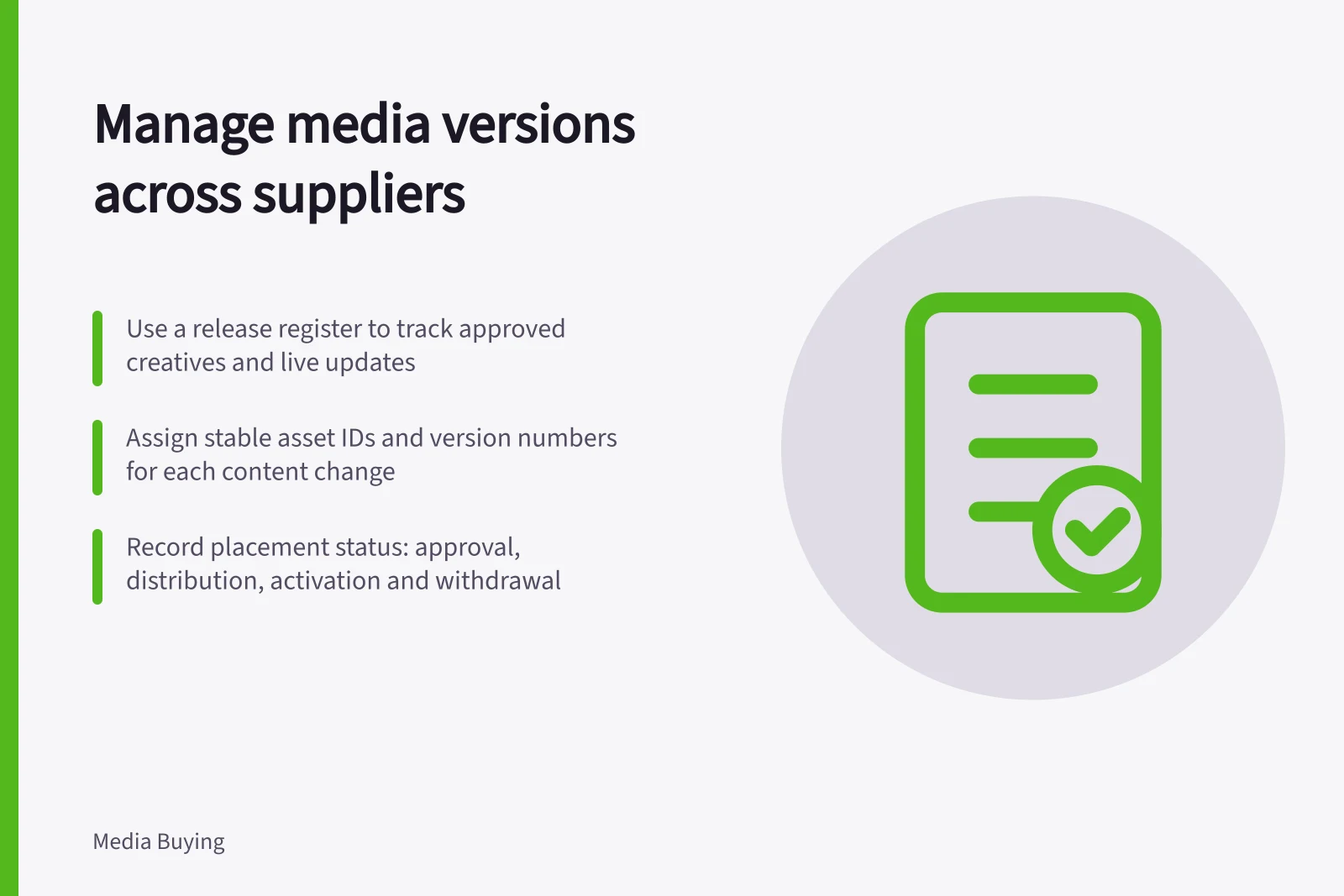
Use a release register to track approved creative, supplier acceptance, live replacements and withdrawal of old campaign assets.
Version control across media suppliers needs one release register. It identifies the approved creative for each placement and records when a replacement actually went live. A file name alone cannot show whether a publisher, platform or production partner has stopped using an older offer.
Give every release an identity
Give each creative execution a stable asset ID, plus a separate version number whenever content changes. Record the campaign, placement, format, language, destination, offer reference, approval owner and release date. Keep the approved file or text with its approval record. A name may identify campaign, placement and version, but the register remains the authority if a supplier renames an upload.
Distinguish a content revision from a technical export. Changing the price, claim, image meaning or destination requires renewed content approval. Re-exporting the same approved design to meet a supplier’s file-size limit may need a technical check. In either case, retain a record of what was delivered and to whom.
Do not overwrite the previous approved version in a shared location. Retain it for audit and comparison, while making the current release unambiguous to everyone handling live media.
Map the release to placements
A single creative version may be sent to several suppliers, but each placement has its own status. Use one row per placement and asset combination:
Record / What to capture
- Approved version
- Asset ID, version, approver and approval time
- Distribution
- Supplier contact, file or text sent, and submission time
- Acceptance
- Technical or editorial acceptance, or requested changes
- Activation
- Scheduled date and observed live version
- Withdrawal
- Confirmation that a superseded version stopped running
This makes a replacement request precise. Tell each supplier which asset and version to remove, which one to activate, which destination applies and when the change should take effect. Ask for acknowledgement and, where available, a live proof. An upload confirmation does not by itself establish that every booked placement changed.
Handle urgent corrections
When a claim or offer becomes wrong, identify affected placements from the register, prioritise customer-facing risk, and pause or withdraw the affected creative where possible. Issue a corrected release and record any supplier that cannot change immediately. Update the landing page and customer service position as needed. Do not delete the earlier record to make the register look tidy; the period in which each version ran matters.
After the correction, compare the approved release against representative live placements and click paths. Record the observed time of the change, especially if supplier acknowledgement and live appearance differ. At campaign close, preserve the final register with approvals and proofs. It supports both a factual account of delivery and a more honest review of creative performance.
Timeline of Creative Release and Deployment
- Identify affected placements using the release register
- Pause or withdraw incorrect creative if possible
- Issue corrected release and record suppliers unable to update immediately
- Update landing page and customer service position
- Compare approved release against live placements post-correction
- Preserve final register with approvals and proofs at campaign close