Media Planning
Planning asset requirements before reserving placements
Check creative specifications, deadlines, production work and replacement options before committing to a media placement.
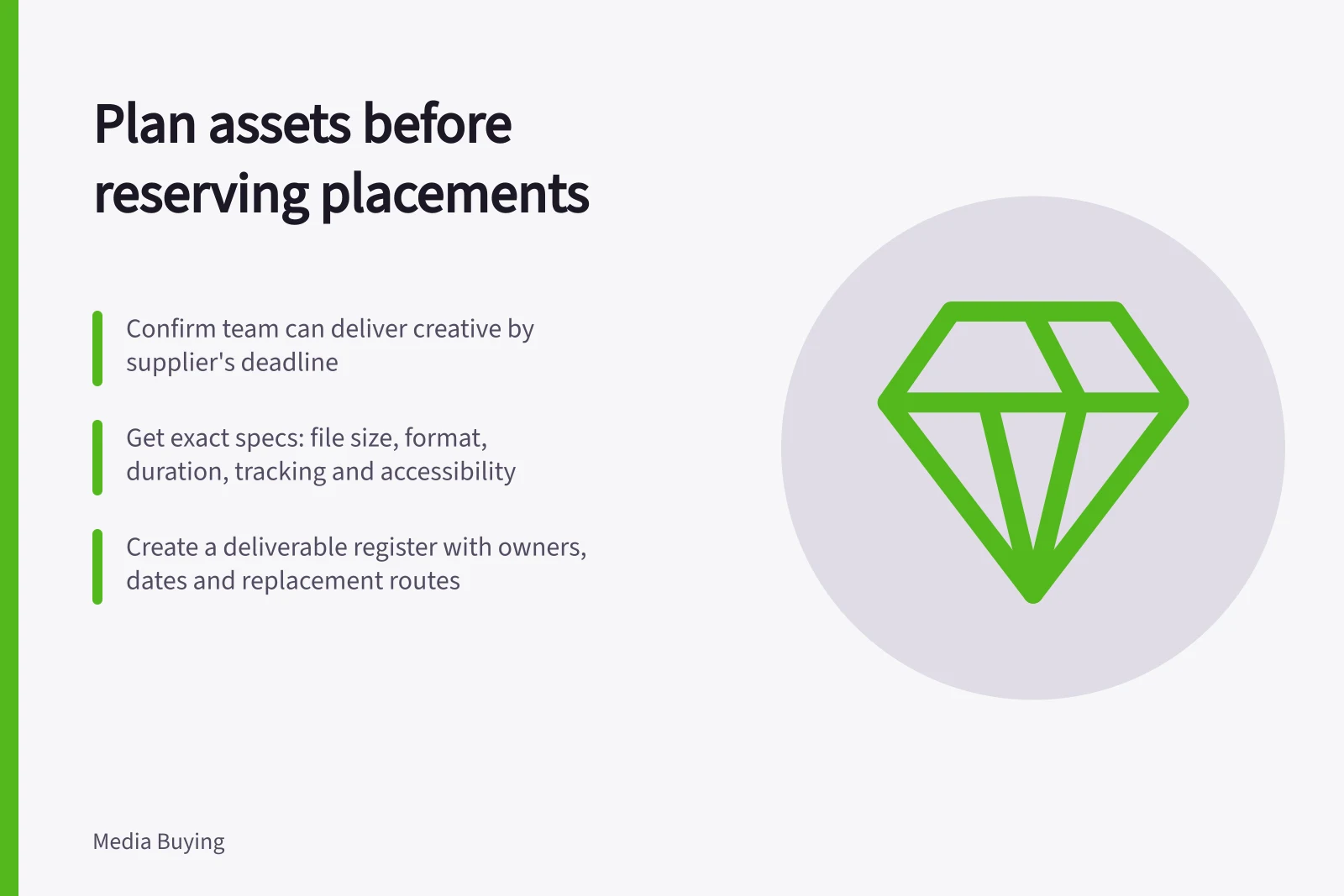
Before reserving a placement, confirm the team can produce, approve and deliver the required creative by the supplier's deadline. A slot may suit the audience but be unusable if its format, production time or approval path is absent from the plan.
Get a specification for the actual placement
Ask the supplier or platform for the current requirements of the unit being bought. Capture dimensions or aspect ratios, file type, file-size limit, animation or video duration, audio rules, text limits, click destination, tracking requirements, accessibility needs and any content restrictions.
A general media kit may describe available units without answering which creative files the booked slot needs. Confirm the booked unit and the specification version.
An asset list may distinguish text, image and optional video components rather than call for one finished banner. Video formats can also involve different production tasks.
IAB Australia describes both fixed and flexible display units. A flexible unit can preserve an aspect ratio while adjusting to screen size. A file that technically uploads may still crop or scale poorly in the booked environment, so request a preview or proof where available.
Turn specifications into a deliverable register
For each placement, list the exact deliverables and owners. A useful register includes:
Field / Decision it supports
- Placement and supplier
- Which specification applies
- Asset ID and format
- Which file must be delivered
- Message and destination
- What the customer sees and where they go
- Technical requirements
- Whether the file can be accepted
- Production, approval and submission dates
- Whether the booking is feasible
- Replacement route
- How an error or offer change will be corrected
Add the work needed to make each asset, not just the final export. A vertical cut may require a new opening, subtitles, a different crop and another approval. A display unit may require separate logo and text assets.
Confirm source imagery and footage can be used in the planned media. Confirm any material claim has supporting evidence.
Make the booking decision with production in view
Compare the supplier's submission deadline with the time needed for concept, production, review, revisions, platform or publisher approval and contingency. Ask who bears the cost if files are late or rejected, and whether the slot can be moved or supplied with a different approved format.
If a proposed placement needs an asset the team cannot deliver well, choose another suitable unit or change the production plan before committing. Avoid ordering speculative versions for every possible size. Make a confirmed placement list first, then produce the variants it requires.
At handoff, send the supplier a named release package: approved file IDs, destination, flight dates and contact for corrections. Request confirmation that the assets passed checks.
Immediately before launch, inspect the proof or live placement and follow the click path. Acceptance of a file establishes technical delivery; it does not establish that the customer sees the intended message.