Media Planning
Cross-channel creative coordination
Coordinate campaign creative across channels with a shared message, placement-ready assets, clear approvals and checks of what actually runs.
Cross-channel creative coordination gives each placement a message that fits its format while keeping the same offer and brand promise. Start with one approved statement of what the audience should understand, then specify what each channel must communicate. The work is complete only when the live ads and their destinations match that statement.
Establish the shared message
Write a short creative brief naming the audience, the problem the campaign addresses, the supported benefit, the requested action and the destination. Record any claim that needs proof, such as a saving, delivery timeframe or product feature. Include offer dates, eligible products and geographic limits where they matter.
This is the reference for decisions, not copy to paste into every ad. Search may need a precise answer to a query, and a short video may need to establish the product and benefit before a viewer moves on.
Keep consistent / Adapt to the placement
- Product or service being promoted
- Opening line and sequence of information
- Supported benefit and material qualifications
- Image, audio or text treatment
- Offer, eligibility and end date
- Length and call to action wording
- Destination and fulfilment promise
- Crop, aspect ratio and technical file
A publisher placement may have room for only one idea. The wording can change; the meaning and material conditions should not.
If a format cannot communicate a material condition clearly, change the execution or the claim. For Australian campaigns, check price, availability and delivery claims against the actual customer path, including the landing page and checkout.
Keep product details aligned
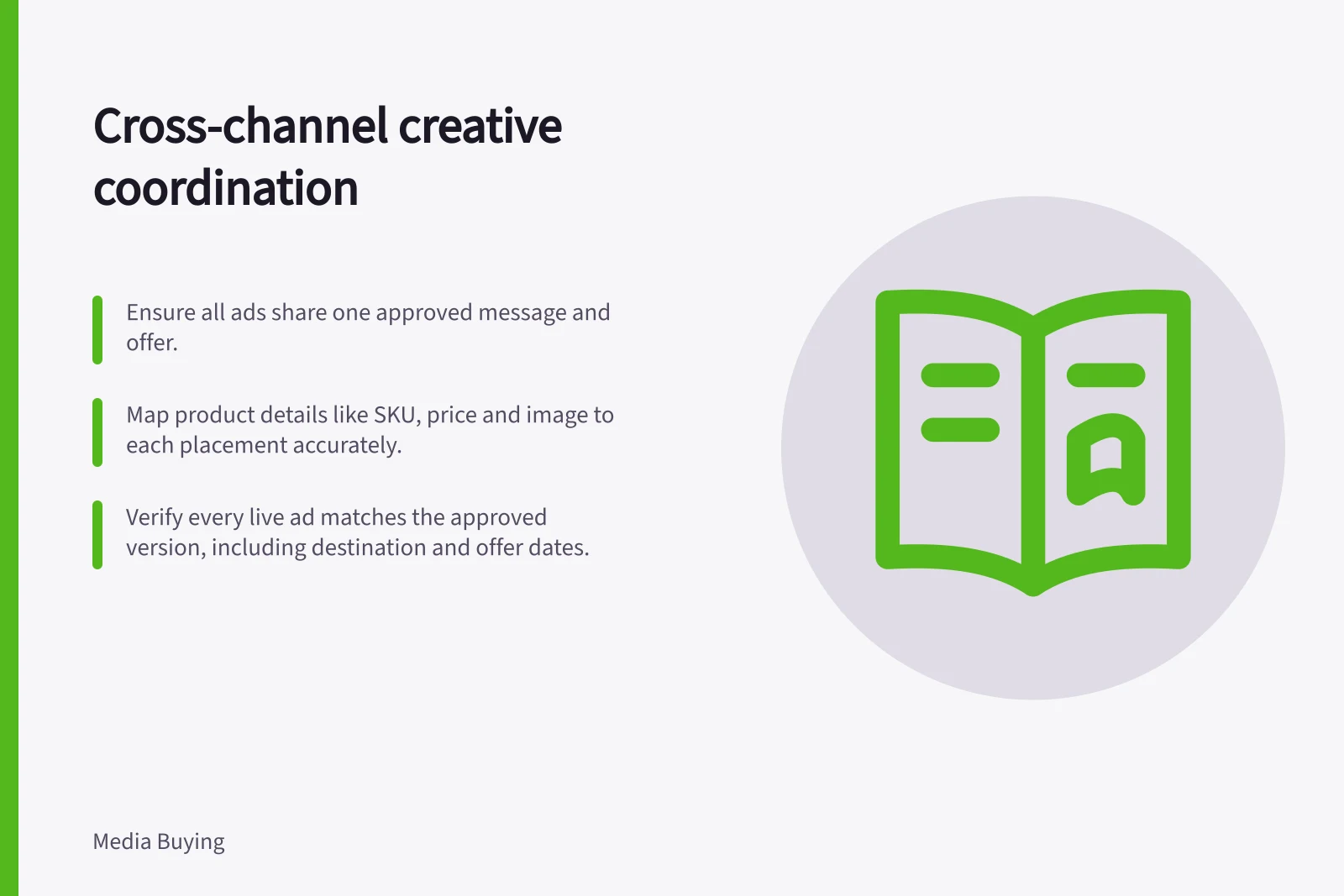
For retail campaigns, map the product image, copy, SKU and price to each relevant placement. Those details may appear across e-commerce, catalogues, digital out-of-home, social, marketplaces and store signage, so one product-detail change can affect several assets.
Catalogue updates are especially error-prone when images, copy, SKUs and prices are updated manually across many product lines. Include these fields in the asset plan and identify which versions must change together when product information changes.
Build a placement-ready asset plan
Before reserving inventory, ask each supplier for its current specification and submission deadline. Record the required dimensions or aspect ratios, file types, file-size limits, duration, text limits, accessibility needs, approval time, replacement process, and who will produce and approve each item. An asset can be visually finished yet unusable if it misses a technical requirement or arrives after a supplier's cut-off.
Where a placement can assemble supplied elements in different ways, review individual elements and plausible combinations for accuracy. A headline that makes sense only beside one particular description is fragile.
Create the minimum set needed for confirmed placements. Add variants when they serve a purpose, such as fitting a vertical video frame or making an offer legible in a small display unit.
Do not assume one crop, one opening frame or one line of copy will carry across all inventory. Keep a record of which asset belongs to which placement and destination.
Make approved assets easy to find
A central digital asset management library can give teams one place to access and distribute campaign and brand assets. Organise files so people can find the right format at the right time, rather than searching shared drives, email threads and agency portals.
Use the library to distinguish approved masters from placement-ready exports, and make the current version clear to anyone preparing or supplying creative. DataBasics reports that 82 per cent of employees admit recreating an asset because they could not find the original.
Set approval and release gates
Use three separate checks. First, a message check confirms the claim, offer and audience. Second, a format check confirms supplied files meet each placement's requirements and stay readable in previews. Third, a live-path check confirms the ad, link, page and fulfilment position are correct at launch.
Give each check an owner and a deadline. The media buyer needs a clear release instruction: approved asset ID, placement, dates, destination and any condition that would stop activation. A general email saying the campaign is approved is too easy to interpret differently across suppliers.
When an offer changes, identify every affected asset and placement before sending replacements. Record the previous version, the new version, who approved it and whether the supplier confirmed the swap. Keep that record centrally, including details of files held by publishers, production partners or other media suppliers.
Keep support for claims with the creative
Attach the evidence or approval record for each product claim to the relevant brief or asset entry, so reviewers can check the wording against its support before release.
The ACCC says it can require businesses to back up claims about their products or services. It accepts reports about possible misleading or false claims to inform its education, compliance and enforcement work; it may investigate and take compliance or enforcement action.
Review what actually ran
After launch, inspect representative live placements and the customer path on relevant devices. Compare them with the approved version, not just an account preview. Record missing qualifications, unexpected crops, stale prices, broken destinations and any placement still carrying an old offer. Assign corrections and recheck them.
At campaign close, retain the approved asset register and the dates each version actually ran. The team can then distinguish a weak message from a good message delivered in the wrong format, linked to the wrong page or replaced too late.
Check linked retail details together
For each retail asset, check that the pictured product variant is the one named in the copy and selected on the destination page. Flag any mismatch before release.
In this guide
- Matching the same brand promise to different formatsAdapt a campaign promise for search, video, display and publisher placements while keeping the benefit, offer and customer path consistent.
- Planning asset requirements before reserving placementsCheck creative specifications, deadlines, production work and replacement options before committing to a media placement.
- Avoiding contradictory offers across campaign channelsKeep campaign prices, dates, eligibility and fulfilment terms consistent across ads, landing pages and supplier placements.
- Keeping version control across media suppliersUse a release register to track approved creative, supplier acceptance, live replacements and withdrawal of old campaign assets.